
Projector Screen: How to Choose the Right Type
Fixed-frame, motorized, and ALR projector screens compared by what they're actually good for, so you can match a screen type to your room instead of your budget alone.
Contents6
Choose a projector screen by room use, image size and material. A permanent frame fits a wall reserved for movies. A retractable screen can free that wall between uses. Light-rejecting material is a separate choice. It can be fitted to different frame types.
The four common types
Fixed-frame screens hold material under tension on a rigid frame. They stay on the wall. This can suit a room with a permanent image position. The trade-off is wall use: you cannot roll the frame away to reveal a window or cupboard.
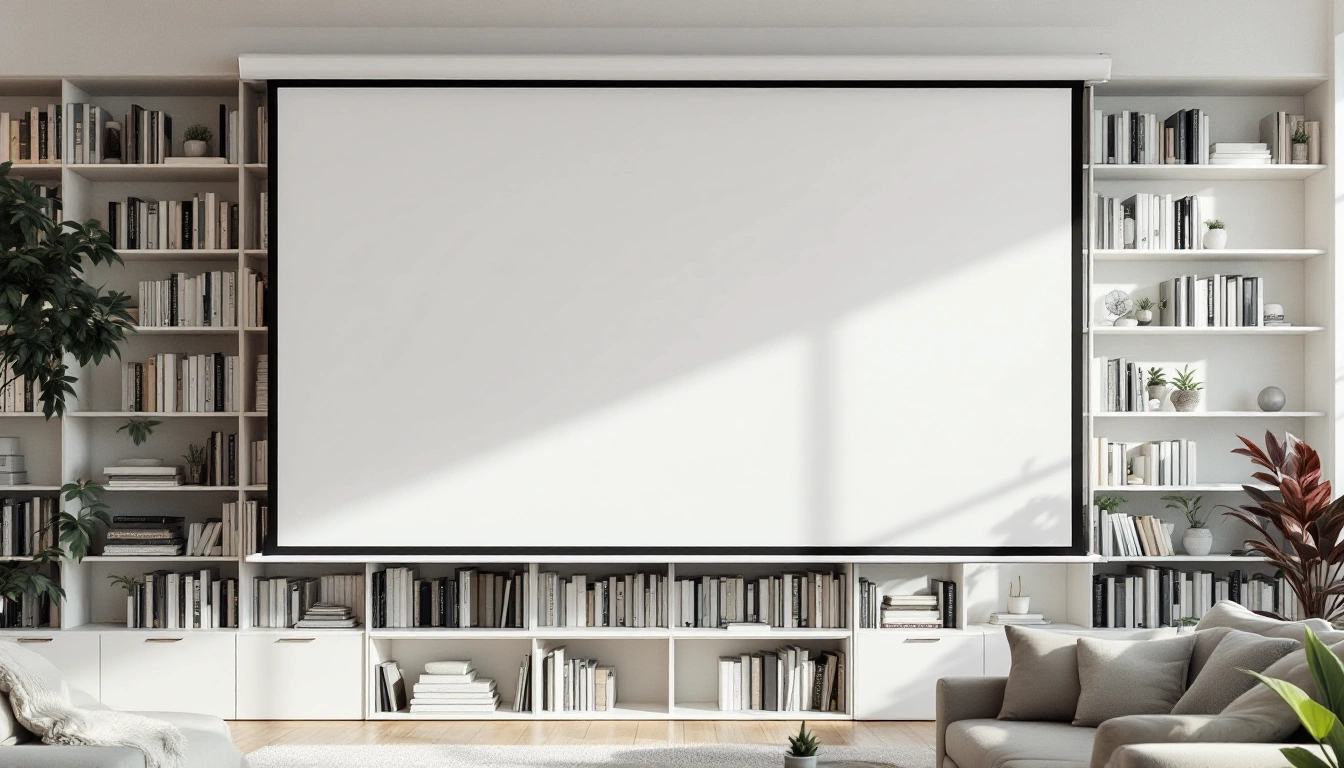
Motorized retractable screens roll into a case. They need suitable fixing and power, plus room for the case. Check the fully lowered image position as well as the storage position. The motor and controls add service needs that a fixed frame does not have.
Manual pull-down screens retract by hand. Check whether you can reach the handle safely and lock the image at the intended height. Surface tension differs by model. Do not infer flatness or life from the word manual alone.
ALR material is designed to reject some light from directions other than the projector. Its useful angles depend on the exact material. Check the projector type, light direction and seating row together. An ALR label does not guarantee a good image under direct sun.
Matching a screen type to your room
Start from how the room is used, not from price:
- Dedicated, light-controlled room → fixed-frame, for the flattest image at the best cost-per-inch.
- Shared multi-use room, light controllable → motorized (or manual, on a tighter budget) retractable.
- Any room with light you can't fully block → an ALR-rated surface, on whichever frame type fits the room's other constraints.
Before you buy: get the size right first
The screen size calculator turns diagonal and ratio into visible width and height. It does not take seat distance or choose comfort. Use its result to mark the image on the wall. Use the viewing-distance tool separately to compare seat angles.
If you already know you want a fixed-frame screen specifically, the fixed-frame projector screen guide covers what to check before buying one.
More in this guide
Projector screen fit checks before ordering
Keep visible size and outside size separate
A 120-inch 16:9 image is about 104.6 inches wide and 58.8 inches high. That is rectangle geometry, not the frame's outside size. Add the actual frame dimensions from the manufacturer. Do not estimate them from a narrow black border in a photograph.
Mark the image and frame on the wall with tape. Include the center speaker, nearby trim and the cabinet below. Check whether a door can still open. For a retractable model, include the case and the amount of drop above the image. Those can change the lowest possible image position.
Match the surface to the projector
Confirm the exact material option, not only the frame model. A white surface, an ALR surface and an acoustically transparent surface do different jobs. If speakers sit behind the image, the material must be designed for that purpose. Do not assume a standard white screen passes sound because it looks thin.
Check standard-throw versus ultra-short-throw compatibility. The direction of light reaching the surface matters. A material intended for a projector below the image is not automatically suitable for one at the rear of the room.
Inspect the whole row
Check the image from the center and both ends of the seating row. A gain figure does not explain every off-axis effect. If possible, review a sample under your actual light. Keep the sample orientation and projector direction correct.
The ALR guide explains those limits. If the room can be dark and the wall stays dedicated, the fixed-frame review gives one specific white-screen choice. It is a 120-inch option, not a claim that every room needs that size.
Verify fixing and access
Use the model's assembly and mounting instructions. Confirm the building support and safe hardware. Image geometry does not establish wall strength. Leave access to retractable-screen controls and service points. Use qualified help for electrical or structural work you cannot verify.
Projector screen verdict
Choose the frame for room use and the material for the light path. Confirm image width, full outside size and projector throw before purchase. Keep the complete system plan nearby so the screen does not block speaker or seating decisions.
Questions people also ask
Do I need a screen, or can I just project on a wall?
A plain wall works for a first test, but even white paint has texture and often a slight tint that reduces contrast and washes out color compared to a purpose-made screen surface. If you're committing to a dedicated room, a real screen is worth the upgrade.
What screen size should I get?
Try the image boundary from the actual seats. The screen-size calculator takes a diagonal and ratio, not viewing distance. It returns visible width and height. Add the frame size and check projector throw separately. The viewing-distance tool compares geometric angles; neither tool provides one universal comfort recommendation.
Does screen material matter as much as the projector?
For picture quality in a room with any ambient light, yes; an ALR-rated surface can make a bigger visible difference than a projector upgrade, because it's fighting the specific problem (light washing out contrast) that a brighter bulb alone doesn't fully solve.